Turn your P&L into an IRS Schedule C
Easily import your Profit & Loss Statement Data (from Quickbooks or Xero) and generate accurate, downloadable PDF of your IRS Schedule C forms with custom category mappings. You can also export your data to Excel or CSV.
How It Works
1. Import Data
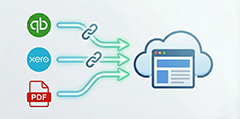
Connect to QuickBooks or upload P&L PDF
- Secure OAuth connection
- Import for any date range
- Auto-categorize expenses
2. Map Categories
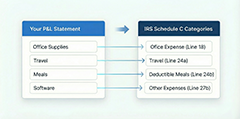
Map P&L to Schedule C categories
- Intuitive mapping interface
- Save mapping templates
- Add notes to each mapping
3. Generate PDF
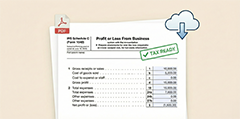
Create your Schedule C tax form
- Preview Schedule C PDF
- Subscribe to download
- Export in PDF, CSV, Excel
Secure and compliant with IRS regulations
This tool is designed to help small business owners and freelancers prepare their Schedule C forms. We assume no liability for any errors or omissions in the data you provide, or the output from this tool. Always check your data and consult with a tax professional before filing your taxes or using this data for anything important.